 Faiq
FaiqEvery year, a new wave of AI tools promises to change how we work. Most don’t live up to the hype. But 2026 has been different — a handful of tools have genuinely changed daily workflows for millions of people, from solo freelancers to entire teams inside large companies.
I spent the last few weeks testing the tools that are actually getting talked about right now — not just the ones with the biggest marketing budgets — and narrowed it down to 10 that are worth your time. Here’s the honest breakdown.

Why AI Productivity Tools Matter More Than Ever
Work has quietly shifted. Tasks that used to take hours — drafting emails, summarizing meetings, organizing research, building spreadsheets — now take minutes with the right AI tool. The catch is figuring out which ones are actually reliable versus which ones just look good in a demo video.
Below, each tool is broken down by what it’s best for, pricing, and where it falls short — so you don’t have to test 30 apps yourself.
1. Notion AI
Best for: Notes, docs, and project organization
Notion AI is built directly into the Notion workspace, so if you’re already using Notion for notes or project tracking, this is a natural add-on. It can summarize long documents, draft content inline, and turn messy notes into structured plans.
Pricing: Add-on to Notion paid plans Downside: Less useful if you don’t already use Notion
2. Perplexity AI
Best for: Research and fact-based answers
Unlike a typical chatbot, Perplexity focuses on giving sourced, up-to-date answers pulled from the web. It’s become a go-to for anyone doing research, competitive analysis, or fact-checking.
Pricing: Free tier available; Pro plan for advanced features Downside: Less useful for creative writing tasks
3. Otter.ai
Best for: Meeting notes and transcription
Otter automatically joins calls, transcribes them in real time, and generates summaries with action items. Teams that live in back-to-back meetings save hours every week using it.
Pricing: Free plan with limited minutes; paid tiers for teams Downside: Accuracy drops with heavy accents or poor audio
4. Canva Magic Studio
Best for: Quick design and visual content
Canva’s AI suite lets you generate graphics, resize designs automatically, and even create short video content — without needing design skills. It’s especially useful for solo creators and small businesses.
Pricing: Free tier; Pro plan unlocks full AI suite Downside: Not a replacement for professional design work
5. Grammarly
Best for: Writing clarity and tone
Grammarly has evolved well beyond grammar checks. Its AI now suggests tone adjustments, rewrites clunky sentences, and helps tailor writing for different audiences — useful for emails, reports, and even social posts.
Pricing: Free plan; premium for advanced suggestions Downside: Can be overly aggressive with suggestions if not adjusted
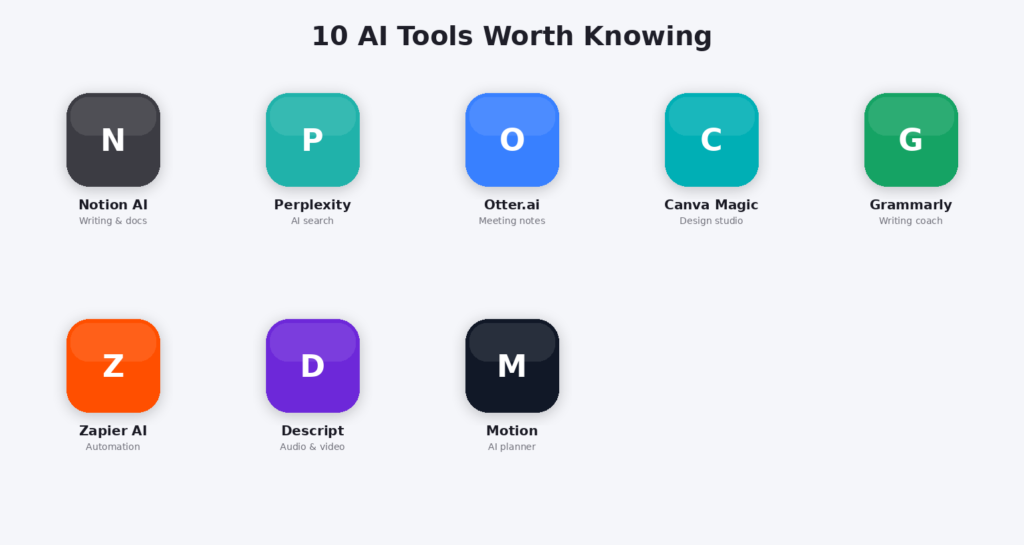
6. Zapier AI (Zapier Agents)
Best for: Automating repetitive tasks
Zapier’s AI-driven automations connect different apps and let you build workflows using plain language instead of complex logic. If you’re tired of manually moving data between tools, this saves serious time.
Pricing: Free tier with limits; paid plans scale with usage Downside: Can get expensive as automation volume grows
7. Descript
Best for: Audio and video editing
Descript lets you edit video and podcasts by editing text — remove a sentence from the transcript, and it removes it from the recording. It’s a favorite among podcasters and content creators.
Pricing: Free tier; paid plans for longer content and advanced features Downside: Learning curve for first-time users
8. Motion
Best for: Calendar and task planning
Motion uses AI to auto-schedule your tasks around your calendar, adjusting in real time as things change. It’s built for people juggling deadlines across multiple projects.
Pricing: Paid only, no permanent free tier Downside: Higher price point compared to basic to-do apps
9. Copy.ai
Best for: Marketing and sales copy
Copy.ai focuses specifically on business writing — ad copy, product descriptions, email sequences — with templates built for marketing teams.
Pricing: Free tier; paid plans for teams Downside: Output often needs editing for brand voice
10. Fireflies.ai
Best for: Meeting search and CRM integration
Similar to Otter, but Fireflies leans more into searchable meeting archives and integrates directly with CRMs — useful for sales teams reviewing call history.
Pricing: Free tier; paid plans for larger teams Downside: Interface feels less polished than competitors
How to Choose the Right Tool for You
Don’t try to adopt all 10 at once. Start with the one problem costing you the most time right now:
- Drowning in meetings? Start with Otter or Fireflies.
- Struggling with writing? Grammarly or Copy.ai.
- Need better organization? Notion AI or Motion.
- Doing lots of research? Perplexity.
- Need design help? Canva Magic Studio.
Pick one, use it consistently for two weeks, and only then consider adding a second tool.
Final Thoughts
AI tools in 2026 aren’t about replacing your job — they’re about removing the repetitive parts so you have more time for the work that actually needs a human brain. The tools above have earned their spot through real, consistent usefulness rather than hype.